Folder Locker for Mac

Keep your personal files private on your Mac.

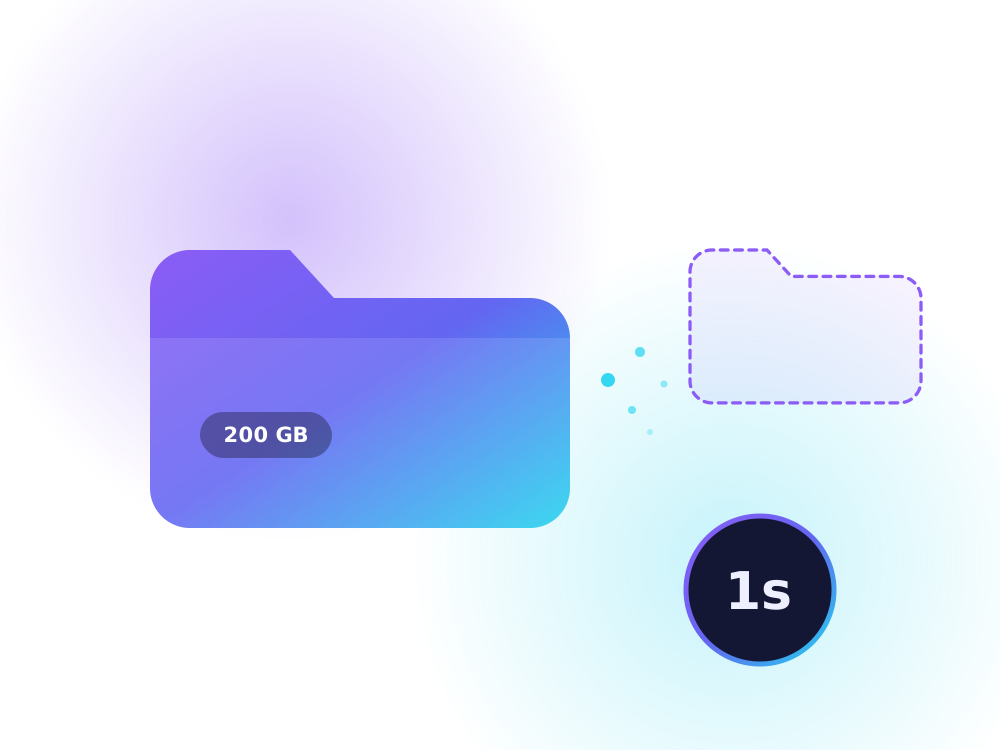
A password-protected vault that hides even 200 GB of video in about a second, or locks sensitive files with AES-256 encryption. Nothing leaves your Mac. Free to download.

Free to downloadNo account neededWorks offline
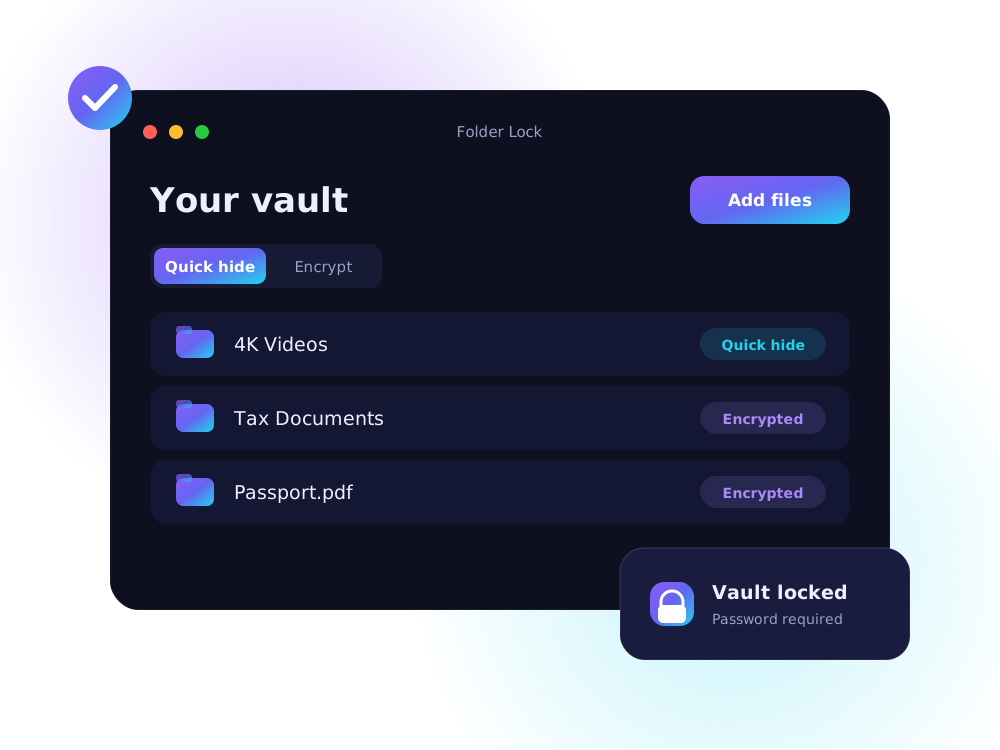
Folder Lock app window listing hidden and encrypted items
~1 secto hide huge folders
AES-256strong encryption
Offlinenothing is uploaded
Freeno account needed
A large folder being hidden instantly
Quick hide

Instant, whatever the size.

Quick hide moves files out of sight without copying, so 4K video libraries vanish in a moment and come back just as fast. No extra disk space needed.

  • Hidden from Finder, behind your app password
  • Restore any item with one click
  • Not encrypted, so use Encrypt for sensitive files
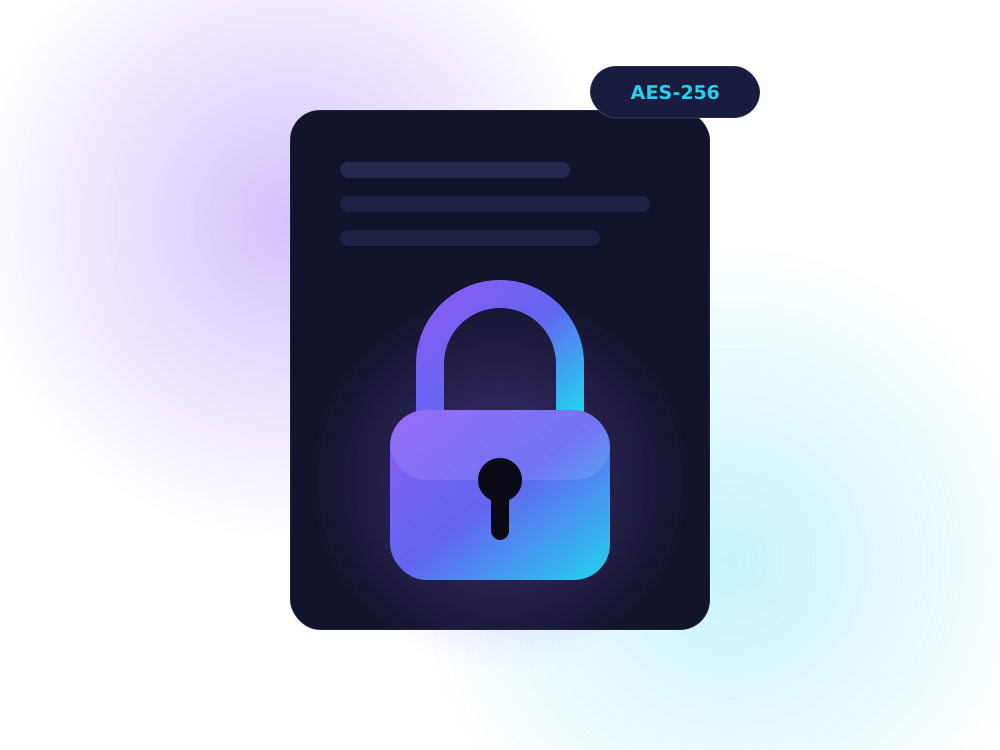
A document protected by a padlock with AES-256 encryption
Encrypt

Unreadable without your password.

Documents, IDs and financial files are scrambled with AES-256 encryption. Even someone who copies the vault sees nothing but noise.

  • Strong key derivation (scrypt)
  • Works with files and whole folders
  • No password recovery, by design
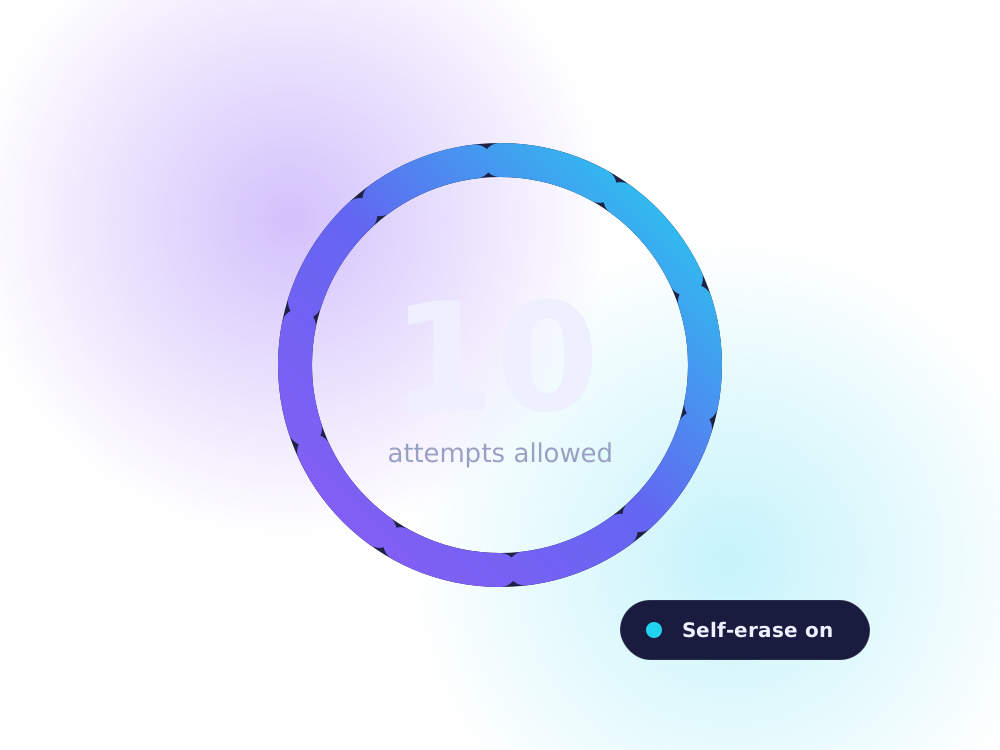
A ring showing ten allowed password attempts before self-erase
Self-erase

Guessing gets nobody anywhere.

Choose how many wrong passwords are allowed. After that, the vault erases itself. Change your password from inside the app any time.

  • Fresh start when the app is reinstalled
  • Starts with password 123, changed on first use
  • No accounts, no cloud
How it works

From download to hidden in minutes.

1

Choose your Mac

Pick Apple Silicon or Intel. Not sure? The guide below shows how to check.

2

Download

Click download. No sign-up, no payment, no waiting.

3

Install and hide

Drag to Applications, sign in with 123, set your own password and add files.

Free download

Choose your Mac.

Open the Apple menu → About This Mac. A chip named Apple M… means Apple Silicon. A processor named Intel means Intel.

MacBook, iMac, Mac mini with M1, M2, M3, M4 or M5

Apple Silicon

  • Built for M-series chips
  • Quick hide and AES-256 Encrypt
  • Free, no account needed
Older Macs with an Intel processor

Intel

  • Built for Intel Macs
  • Quick hide and AES-256 Encrypt
  • Free, no account needed
Folder Locker is free. If it helps you, you can buy me a coffee ☕. Completely optional.
Download with confidence

Built to earn your trust.

A download tile marked Free with no sign-up
Free

Free to use, no strings.

Download Folder Locker without paying, signing up or sharing your email. If it helps you, a coffee is optional.

  • No payment, no sign-up
  • Ready to use right after install
A lightning bolt showing an instant download
Instant

Pick your Mac, download, done.

Choose Apple Silicon or Intel and the installer starts right away. Install by dragging it into Applications.

  • Apple Silicon and Intel versions
  • Drag to Applications to install
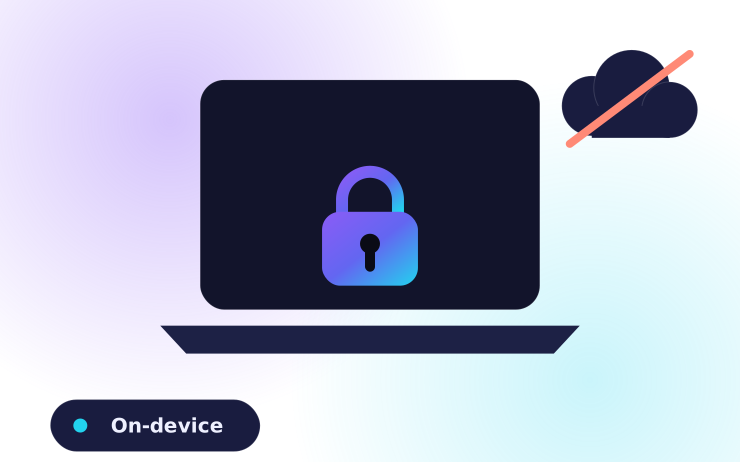
A Mac laptop with a padlock and no cloud upload
Private

Everything stays on your Mac.

Folder Locker works offline. Your files and password are never uploaded anywhere.

  • No cloud, no account
  • Your password is never sent anywhere
Chat bubbles showing a support reply
Support

Real help when you need it.

Stuck on install or have a question? Send an enquiry and you will get a reply by email.

  • Help with installing on any Mac
  • Replies by email
FAQ

Questions, answered.

Is Folder Locker really free?

Yes. It is free to download and use, with no account. If it helps you, you can optionally buy me a coffee with the button at the bottom of the page.

Which version do I need, Apple Silicon or Intel?

Open the Apple menu → About This Mac. If it shows a Chip named Apple M1, M2, M3, M4 or M5, choose Apple Silicon. If it shows an Intel processor, choose Intel.

Why does macOS say it can't verify the developer?

The app is not signed with a paid Apple certificate. Open System Settings → Privacy & Security, scroll down and click Open Anyway. You only do this once.

What is the first password?

The first password is 123. Open the app and use Change password straight away.

Is Quick hide encrypted?

No. Quick hide moves files out of sight instantly, whatever their size, behind an app password. Someone with technical knowledge could still find them. Use Encrypt (AES-256) for sensitive files.

What if I forget my password?

Encrypted files cannot be recovered. The app can erase everything and start fresh, which permanently deletes locked files.

What happens if I delete or update the app?

Reinstalling starts a fresh vault and removes the old one. Restore your files before deleting or updating the app.

The installer won't work on my Mac. What now?

Send an enquiry below with your Mac model and macOS version, and we'll help you get it running.

Support

Have a question? Ask us.

Questions before buying, help with installing, or a problem with your download. Send an enquiry and we'll reply by email.

Buy me a coffee ☕

Folder Lock is free. If it helped you, a small tip keeps me building. Any amount is appreciated.

UPI QR code to support Sanrovix Tech

Scan with GPay, PhonePe, Paytm or any UPI app.